

Make music
in the open.
A free music workstation for Windows, macOS and Linux. Explore samples by sound, build songs with clips and a timeline, and invite an AI agent into your project.
Start with a loop. Decide where it goes.
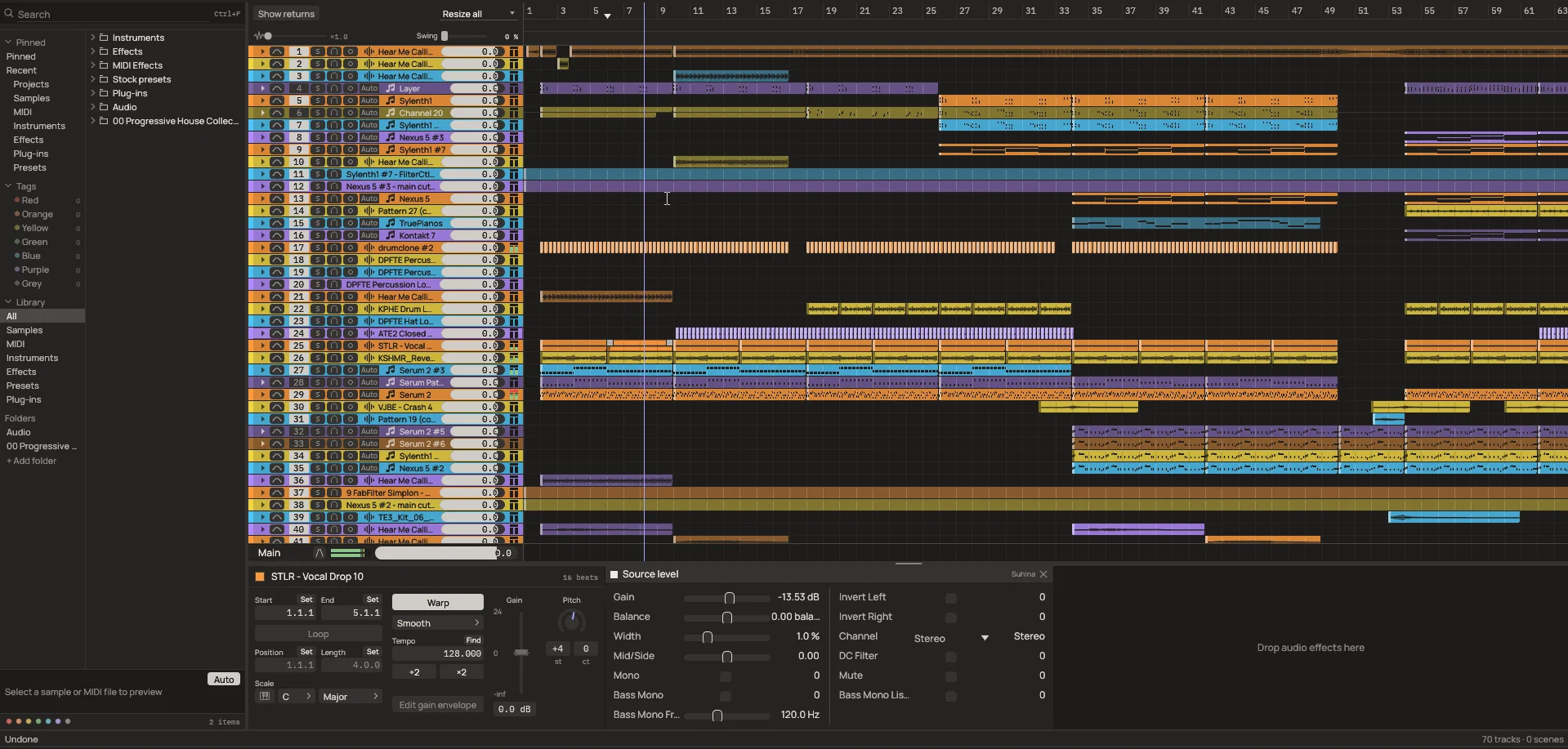
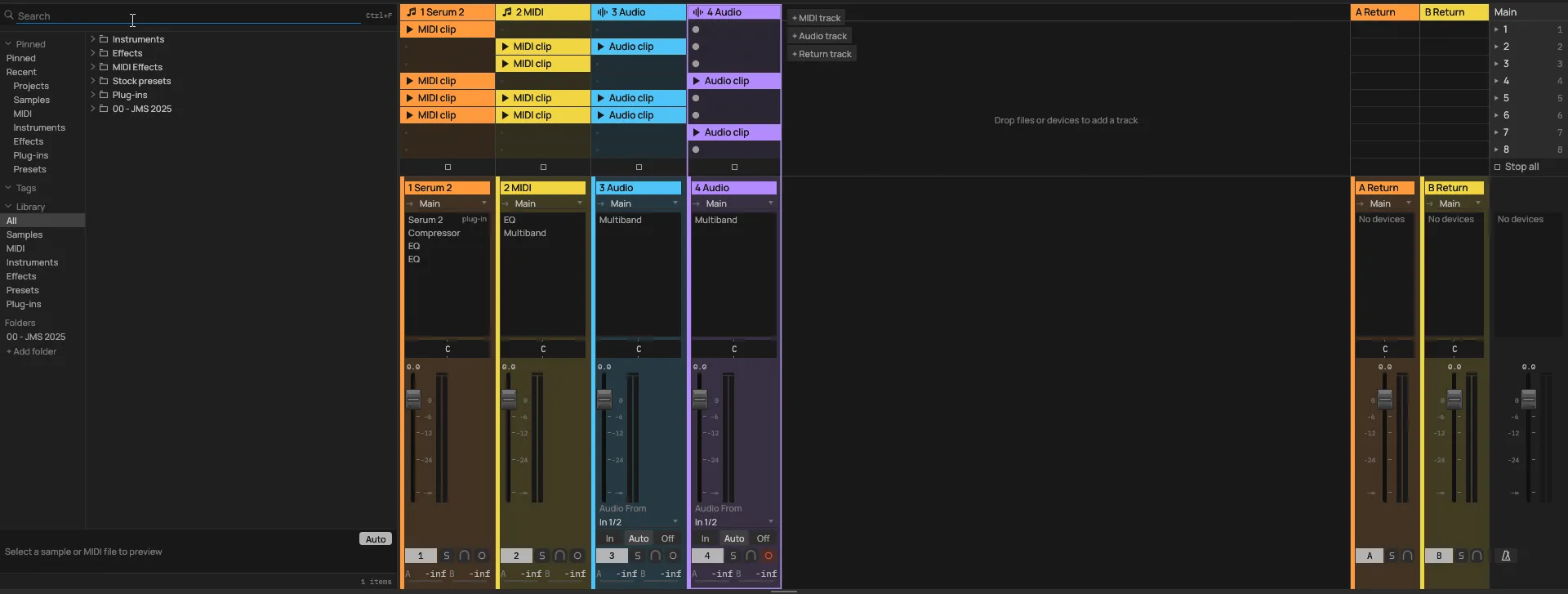
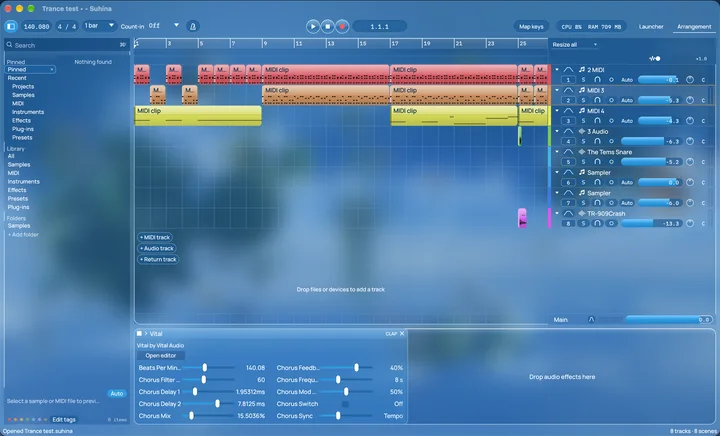
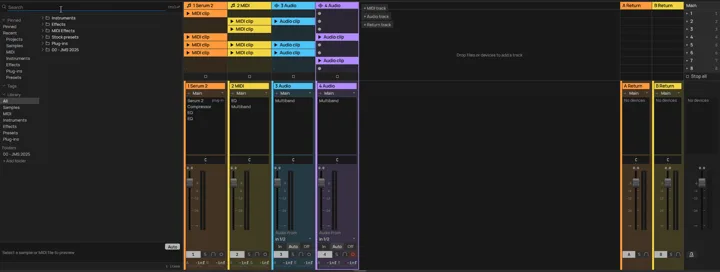
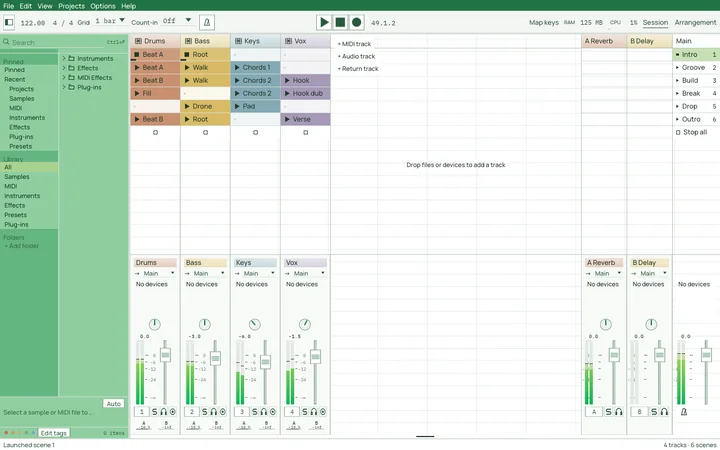
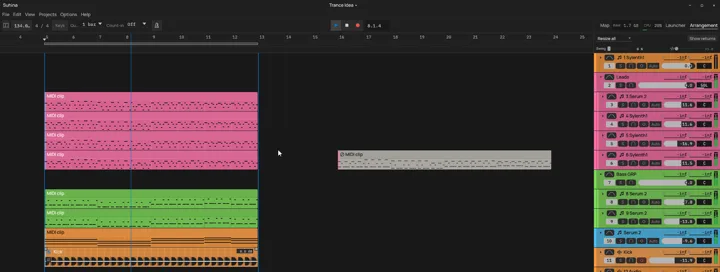
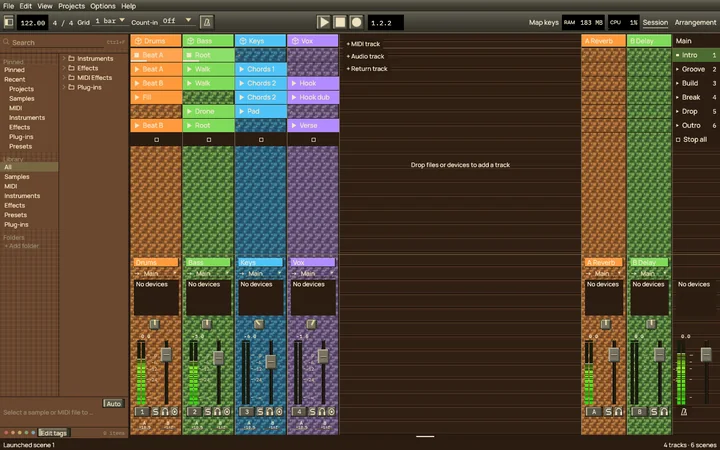
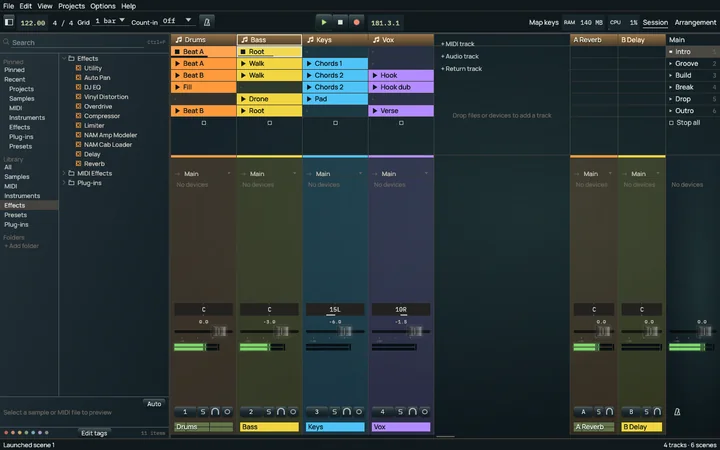
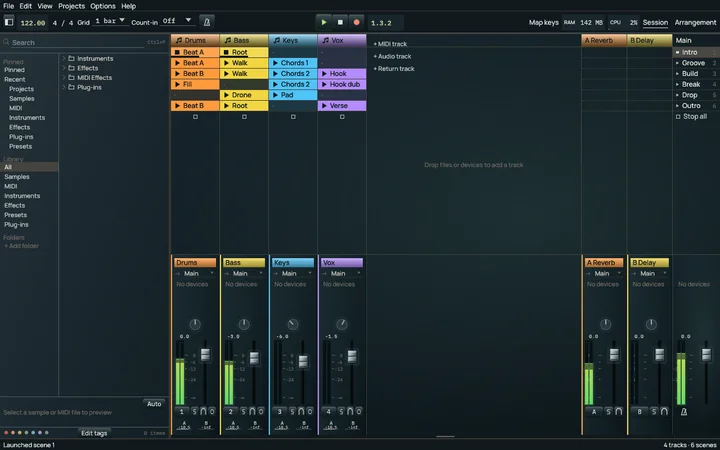
Launch clips and scenes in the Launcher. Shape audio and MIDI on the Arrangement timeline. Both are part of the same project.
A short idea can become a song without leaving the workstation.
The open-source DAW you can restyle with CSS.
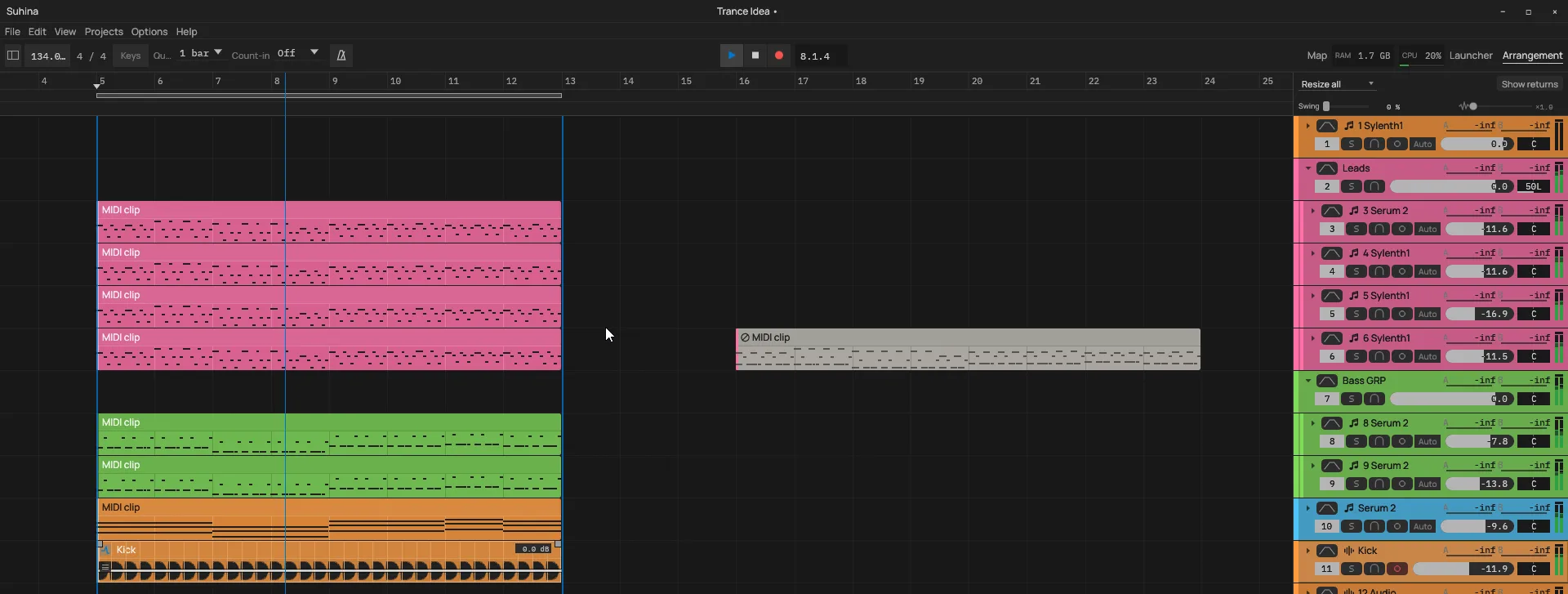
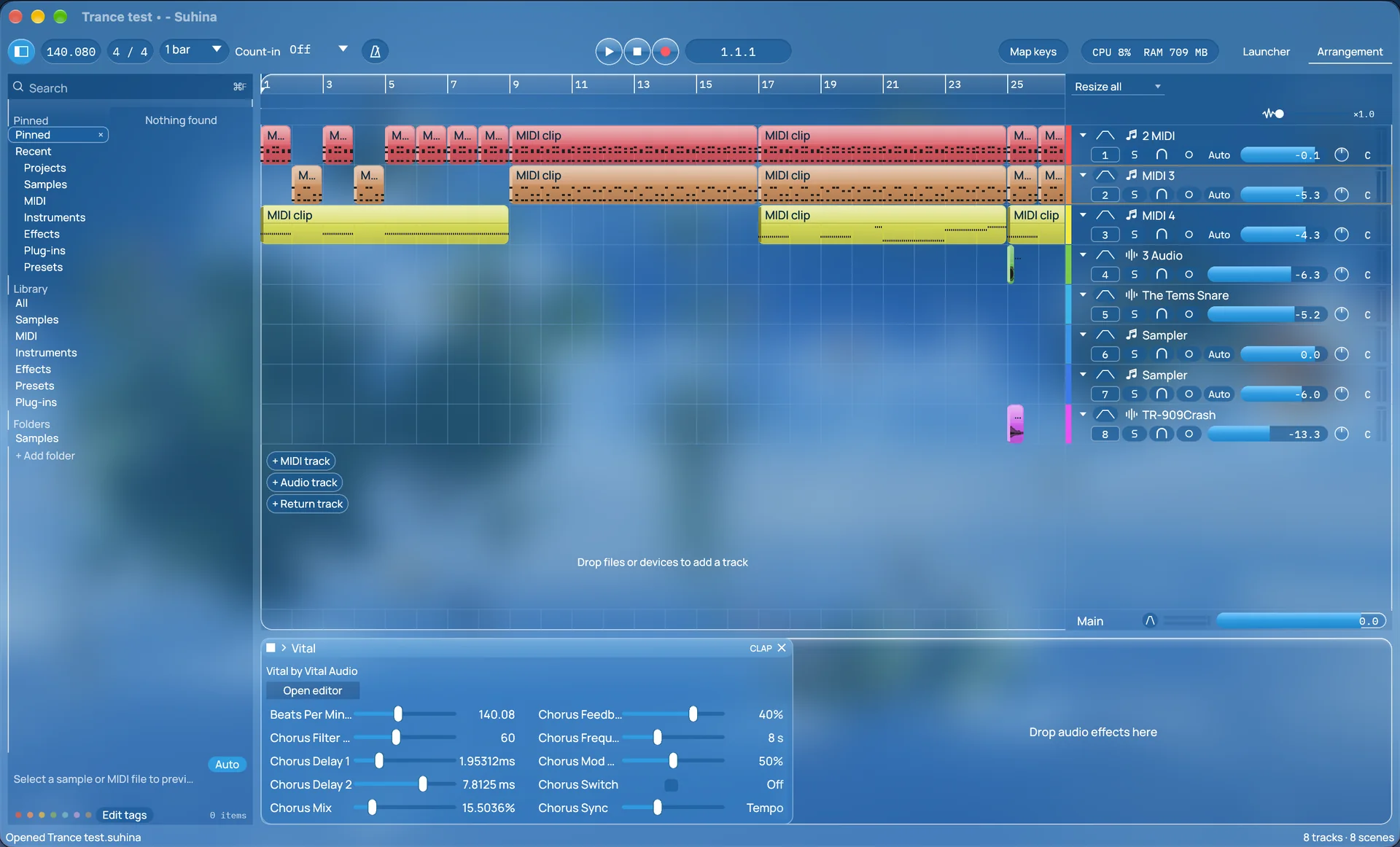
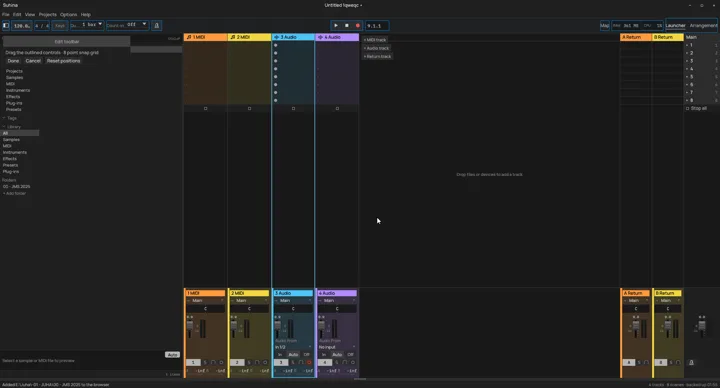
Suhina's look is a theme, written in CSS with SVG and PNG artwork. Choose a built-in theme, change its settings, rearrange the toolbar, or write your own.
Export a theme as one .theme.suhina file to share it.
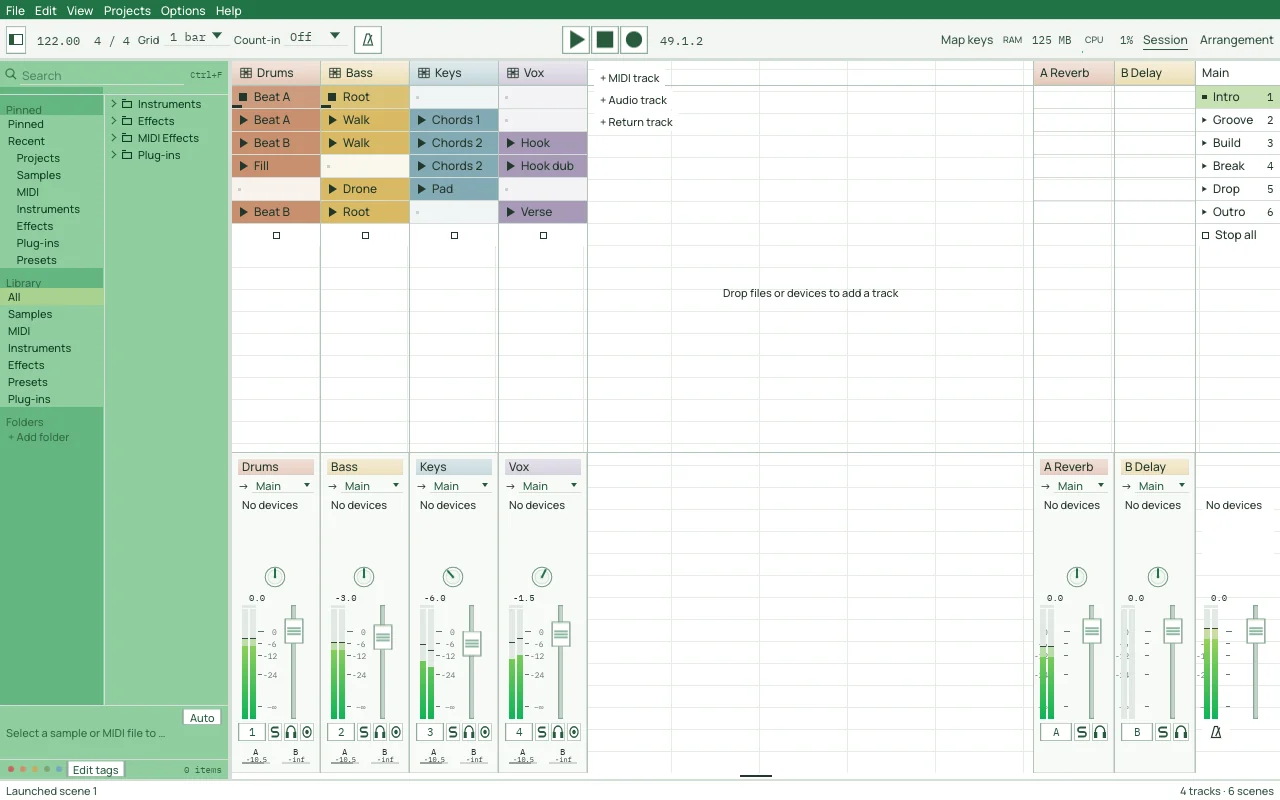
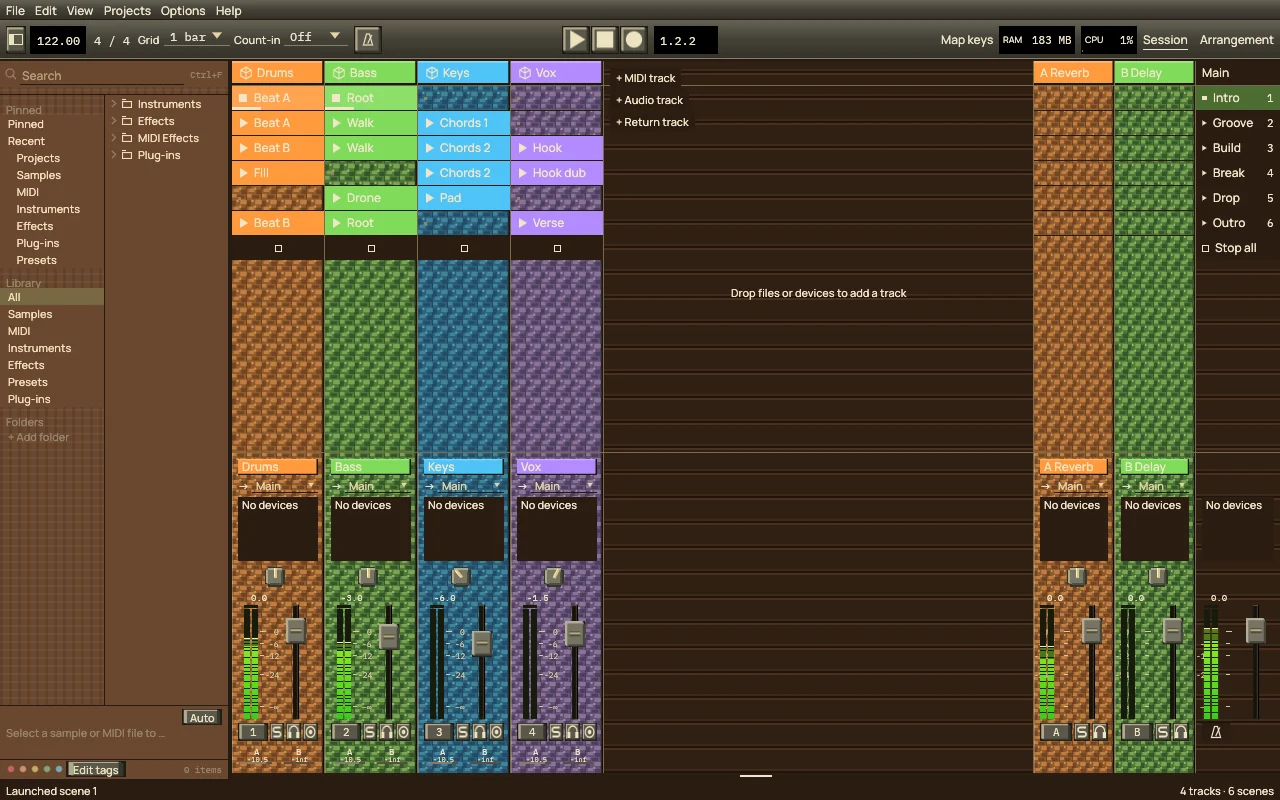
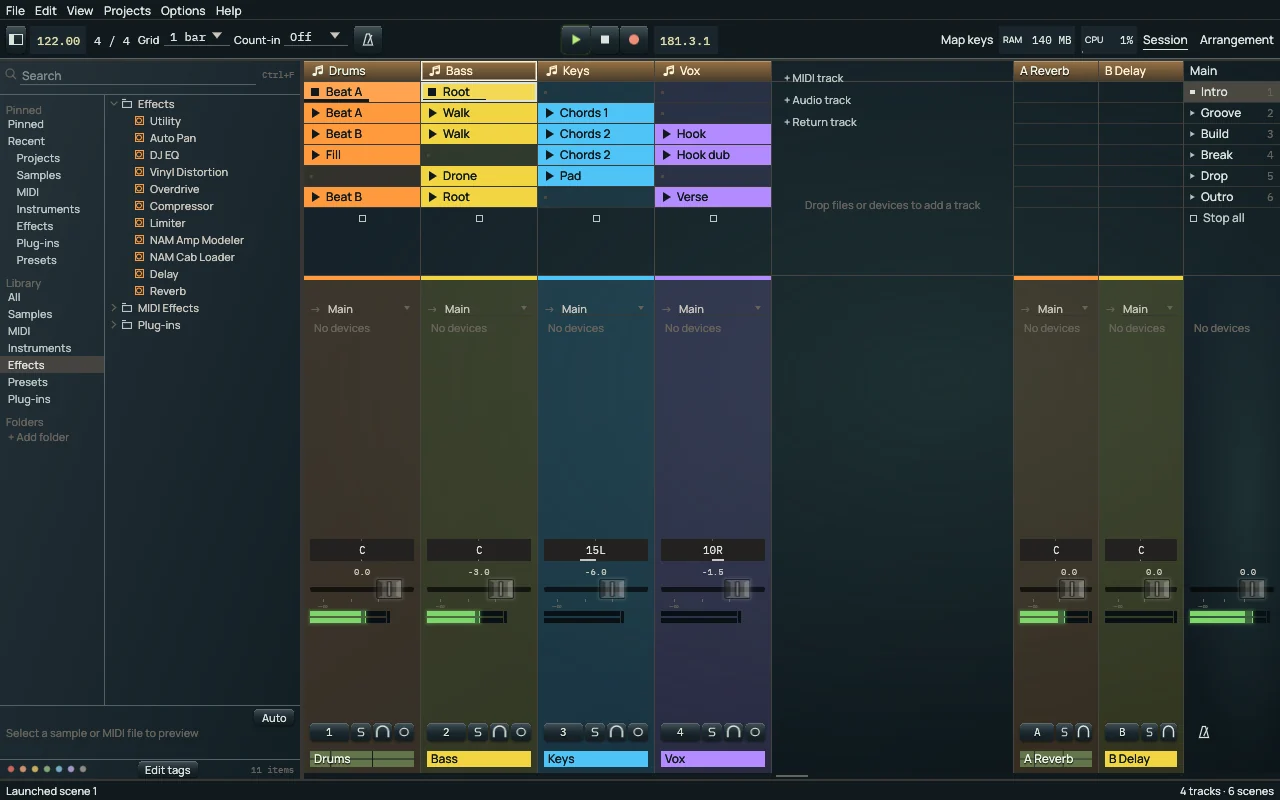
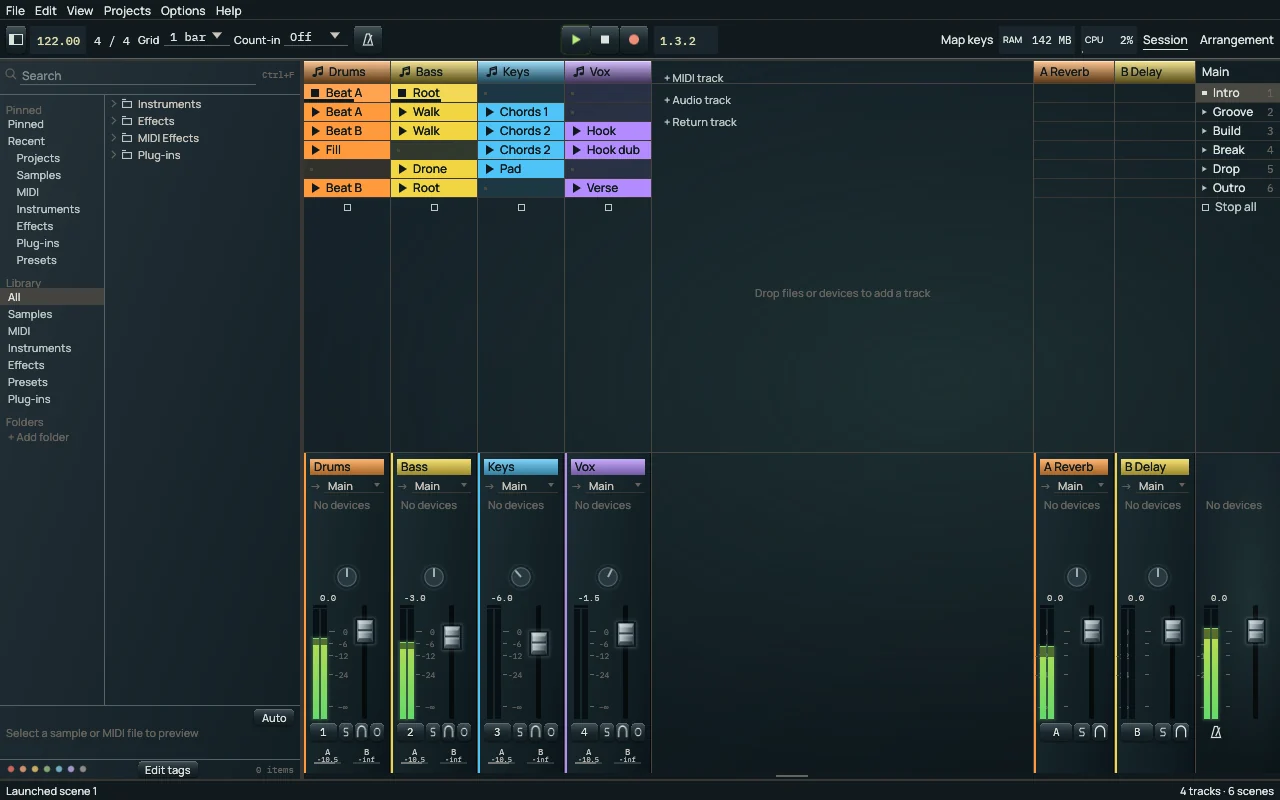
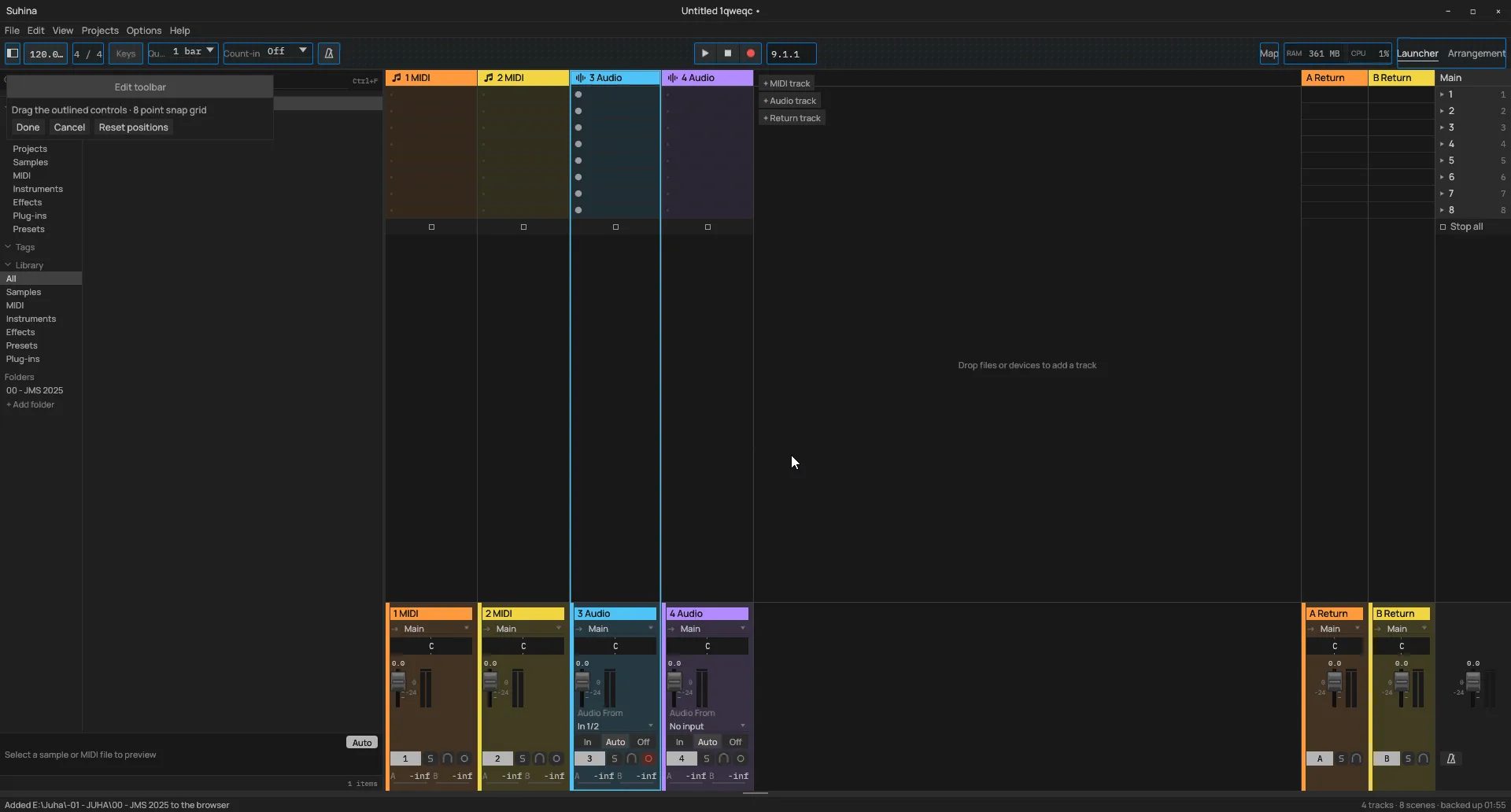
Edit notes, automation and audio.
Suhina is pre-alpha, and a lot of it is already there to use.
Several projects at once
Open projects in tabs and move between them with Ctrl+Tab. The active one plays.
Take lanes and comping
Record takes into the Arrangement, then cut and move the best parts together.
Piano roll
Edit MIDI notes with the mouse or the keyboard, and quantise them.
Automation lanes
Show a track's automation in lanes under it in the Arrangement.
Time-stretching as it plays
Warped clips follow their warp markers and the song's tempo in real time.
Follow actions
A launched clip can run an action when its time is up.
Updates from inside the app
Suhina says when a newer nightly is out. Nothing is installed until you ask.
A command line
suhina-cli plays and renders a project without opening the window.
You know the sound. Maybe not its name.
The sample map groups your samples by how they sound. Similar sounds become neighbors, so one good find can lead you to the next.
Explore a cloud or a grid, preview samples as you move through the map, and bring a sound into your project.
The illustration shows the idea. In Suhina, the map is built from samples in your library.
Let an agent work with you.
Your AI agent can inspect and edit the project open in Suhina. See the changes in the same window, hear them in your song, and use the same undo history.
You choose when to let an agent in. Enable access, approve the connection, and disconnect it from Suhina when you're done.
Requires an external agent that supports MCP, the connection standard Suhina uses. Agent access is off until you enable it.
track.setMute {"tracks": [1], "mute": true}Instruments and effects, in the box.
Suhina comes with its own devices. Every change to a control is one undo step, and automation can take it over.
You can also build audio effects, MIDI effects and instruments with the device SDK and share each one as a single .sd file.
FM Synth
Six operators, 43 algorithms. Reads DX7 voices.
Sampler
Sample, slice and grain playback.
EQ
Eight bands. Stereo, left/right or mid/side.
Compressor
Soft knee, side-chain high-pass, dry/wet.
Multiband
Three bands of upward and downward dynamics.
Limiter
Brickwall, with lookahead.
Delay
Synced or free. Ping-pong and freeze.
Reverb
Algorithmic, with freeze.
Saturator
Eight curves and a waveshaper.
Overdrive
Oversampled drive.
Vinyl Distortion
Oversampled distortion.
DJ EQ
Three bands with kills.
Auto Pan
Moves a sound across the stereo field.
Utility
Gain and the basics.
NAM Amp Modeler
Plays .nam amp captures.
NAM Cab Loader
Cabinet impulse responses from .wav files.
Pitch
A MIDI effect. Transposes by semitones or scale degrees.
Bring your plug-ins along.
Use CLAP, VST3 and VST2 instruments and effects in a separate plug-in host. Supported plug-ins receive the song's tempo and playback position.
Experimental ARA support lets compatible editors work with Arrangement audio clips. Compatibility and the wider ARA workflow are still being developed.
A new place for an old project.
Open existing .als projects, bring in audio and MIDI, and save your work in Suhina's own project format.
Import of .flp projects is under way, and DAWproject files come next. Project import is evolving. Not every imported device or feature is reproduced; try your material and tell us what needs work.
Built in public. Counted in public.
The maintainers count how much of each area of Suhina works today from their feature list, and a bot redraws the figure every day.
Early days. Real things to try.
Open projects. Launch clips. Edit audio and MIDI. Explore the sample map. Work with plug-ins and connect an agent.
Expect unfinished workflows, changing behavior and bugs. Start with copies of your projects. These are nightly development builds, not a stable release.
Unpack the archive and keep the app, command-line tool and plug-in host together. The builds are unsigned; Windows and macOS may warn before opening. Linux needs ALSA.
Suhina.
A soft hiss.
In Finnish, suhina is a soft hiss or rustle. A small sound, with something happening inside it.
Suhina is free and open source under GPL-3.0-or-later. Read the code, report a problem, suggest what comes next, or help build it.